AI Breast Enhancement Tips and Best Practices

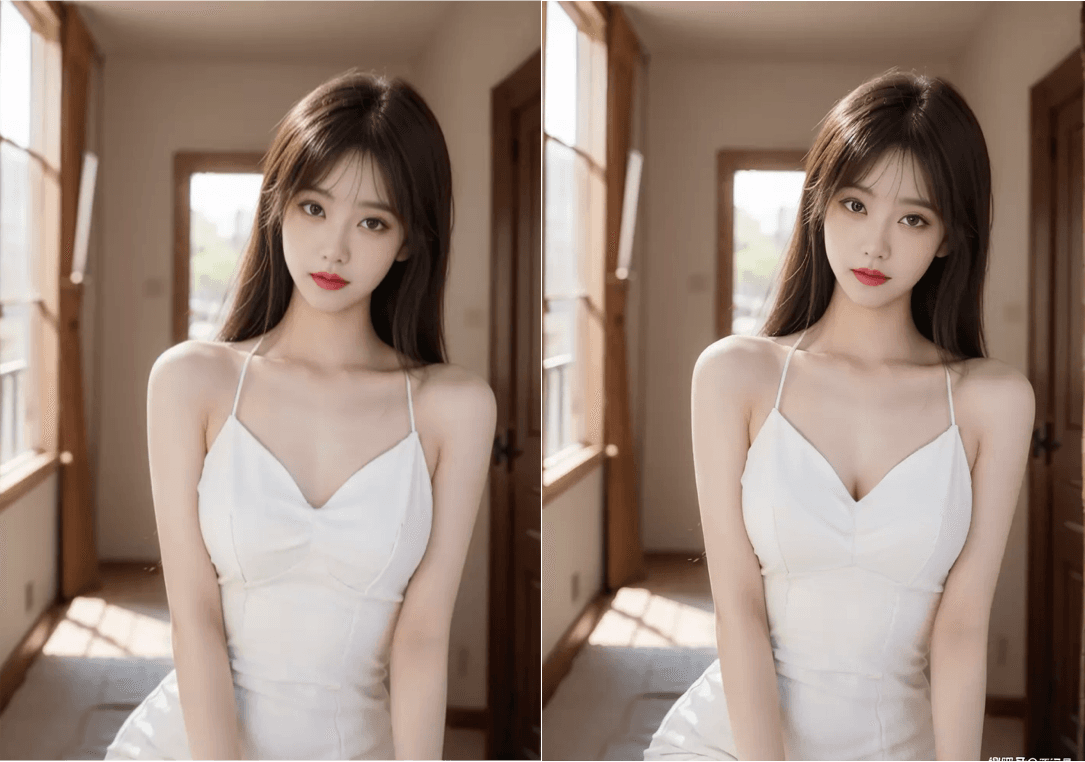
AI breast enhancement has revolutionized photo editing, making it easier than ever to achieve professional-looking results. However, getting natural and realistic outcomes requires understanding best practices and avoiding common pitfalls. This comprehensive guide shares expert tips to help you master AI breast enhancement.
Understanding AI Breast Enhancement
AI breast enhancement uses deep learning algorithms to modify photos based on the image context. The technology analyzes your image and attempts to preserve proportions, lighting, and shadows while applying the requested change. Our guide to AI breast enhancement tools explains the basic workflow and what to consider before uploading an image.
Essential Tips for Natural Results
1. Start with Quality Source Images
Why it matters: The quality of your input image directly affects the output quality.
Best practices:
- Use high-resolution photos (at least 1920x1080 pixels)
- Ensure good lighting in the original photo
- Avoid heavily compressed or low-quality images
- Front-facing portraits work best for AI processing
2. Choose the Right Fill Type
Most AI tools offer different fill types:
- Original: Maintains the most similarity to your source image - best for natural results
- Creative: Adds more artistic interpretation
- Artistic: Applies stylized effects
Tip: For realistic enhancements, always start with "Original" fill type.
3. Precise Area Selection
Common mistake: Selecting too large or too small an area.
Best practice:
- Use the brush tool to carefully outline the area you want to enhance
- Include some surrounding context for better blending
- Avoid selecting areas that shouldn't be modified
- Use zoom features for precision work
4. Effective Prompt Writing
When using text prompts, be specific but not overly complex:
Good prompts:
- "Natural breast enhancement"
- "Subtle increase, maintain proportions"
- "Realistic enhancement, original style"
Avoid:
- Overly detailed descriptions that confuse the AI
- Contradictory instructions
- Leaving prompts completely blank (when specificity helps)
Test one instruction at a time in the AI breast enhancement editor, then compare the result with the original before increasing the intensity or adding more detail to the prompt.
5. Gradual Enhancement Approach
Pro tip: Instead of making dramatic changes in one step:
- Make subtle enhancements first
- Review the results
- Apply additional enhancements if needed
- This approach prevents unrealistic-looking outcomes
Common Mistakes to Avoid
Mistake 1: Over-Enhancement
Problem: Making changes that are too dramatic, resulting in unrealistic proportions.
Solution: Start with subtle adjustments and increase gradually if needed.
Mistake 2: Ignoring Lighting and Shadows
Problem: AI may not perfectly match lighting conditions, creating obvious edits.
Solution: Choose photos with even lighting, or use tools that specifically handle lighting adjustments.
Mistake 3: Poor Area Selection
Problem: Selecting incorrect areas leads to unwanted modifications.
Solution: Take time to precisely select only the area you want to enhance.
Mistake 4: Not Reviewing Results
Problem: Accepting the first result without checking for artifacts or issues.
Solution: Always review the output carefully, zoom in to check details, and regenerate if needed.
Advanced Techniques
Technique 1: Layered Enhancements
For complex edits:
- Make initial enhancement
- Download the result
- Upload again for additional refinements
- This allows for more controlled, gradual changes
Technique 2: Multiple Variations
Generate multiple versions with different settings:
- Try different fill types
- Experiment with various prompts
- Compare results side-by-side
- Choose the most natural-looking option
Technique 3: Context Awareness
Consider the overall photo context:
- Match the enhancement style to the photo's aesthetic
- Maintain consistency with other elements in the image
- Ensure the enhancement fits the clothing or outfit
Optimizing for Different Use Cases
Social Media Posts
- Keep enhancements subtle and natural
- Ensure the result looks authentic
- Consider platform-specific image requirements
- Test how the image looks on mobile devices
Personal Collections
- You have more freedom for creative expression
- Can experiment with different styles
- No need to worry about public perception
Professional Photography
- Maintain the highest quality standards
- Use premium tools for best results
- Ensure consistency across a photo series
- Consider client preferences and guidelines
Technical Best Practices
Image Format Considerations
- Input: Use JPEG or PNG formats
- Output: PNG preserves quality better than JPEG
- Compression: Avoid excessive compression before editing
Resolution Guidelines
- Minimum: 1080p for acceptable results
- Recommended: 2K or 4K for best quality
- Maximum: Check tool limitations (some free tools cap resolution)
Processing Time Optimization
- Smaller images process faster
- Reduce image size if processing is slow
- Use tools with local processing for privacy and speed
Privacy and Security Best Practices
Protecting Your Images
- Read privacy policies before uploading
- Use tools with local processing when possible
- Delete images from cloud services after processing
- Avoid uploading sensitive photos to unknown services
Understanding Data Usage
- Check if tools use your images for training
- Look for opt-out options for data collection
- Prefer tools with clear privacy commitments
Troubleshooting Common Issues
Issue: Unnatural-Looking Results
Solutions:
- Reduce enhancement intensity
- Try different fill types
- Use more specific prompts
- Start with a higher quality source image
Issue: Processing Errors
Solutions:
- Check image format compatibility
- Reduce image file size
- Ensure stable internet connection
- Try a different browser or device
Issue: Slow Processing
Solutions:
- Reduce image resolution
- Use tools with better infrastructure
- Process during off-peak hours
- Consider upgrading to premium for faster processing
Conclusion
Mastering AI breast enhancement requires practice, patience, and attention to detail. By following these tips and best practices, you can achieve natural, professional-looking results that enhance your photos without looking artificial.
Remember:
- Start with quality source images
- Use precise area selection
- Choose appropriate fill types
- Review and refine your results
- Prioritize privacy and security
With these guidelines, you'll be well-equipped to create stunning, natural-looking enhancements using AI tools. Happy editing!